Axelize now syncs with HubSpot
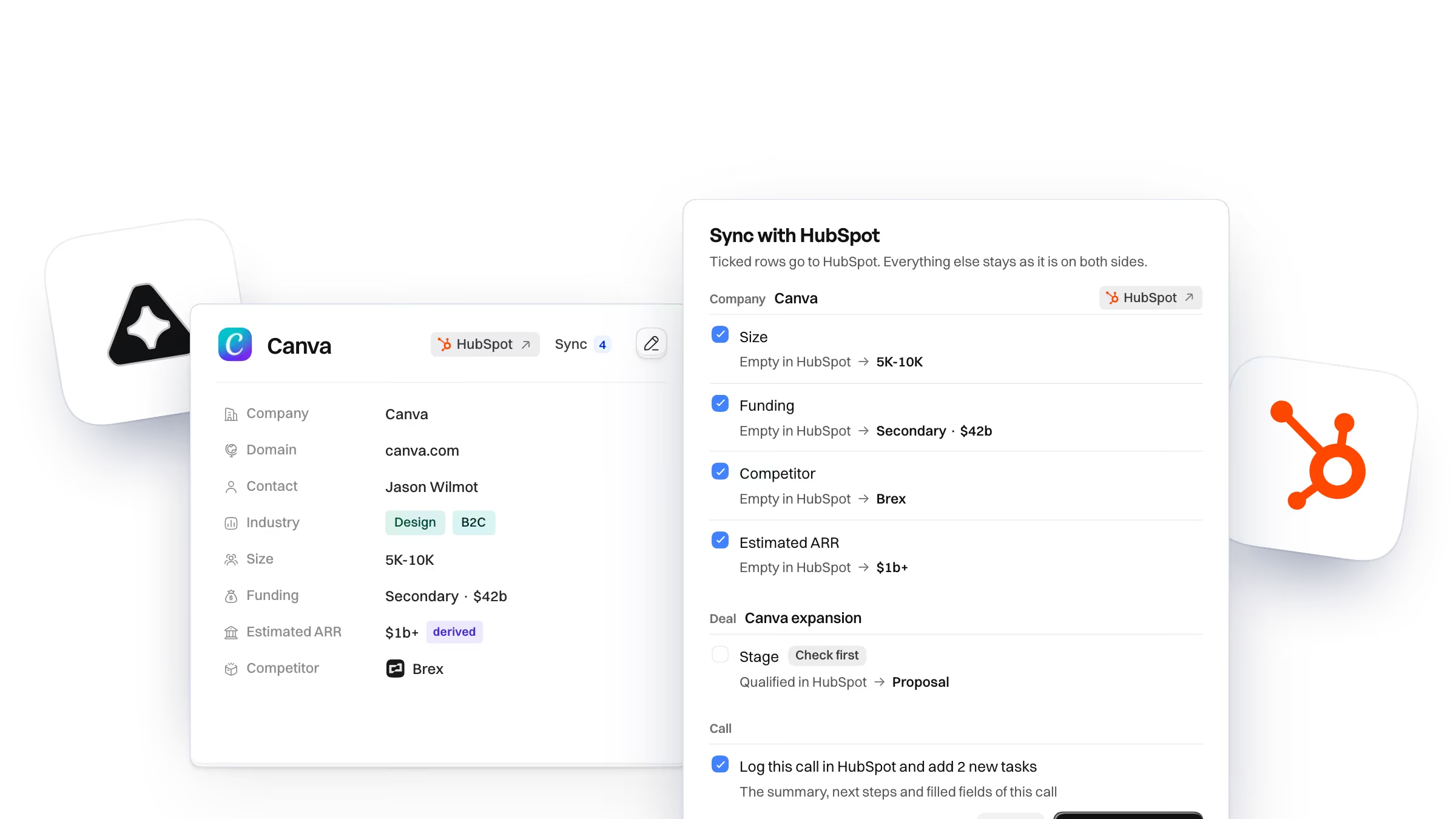
Axelize now syncs sales calls to HubSpot. You tick what goes, fields, a call note and tasks, and nothing changes in HubSpot until you do.
HubSpot sync is live today.
How it works
Here’s how it works. While you’re on a call, Axelize fills its own record, and when the call ends you press Sync. Axelize reads the HubSpot record fresh, lists every field that’s different, and lets you tick the rows you actually want. Nothing else moves.
What stays in your hands
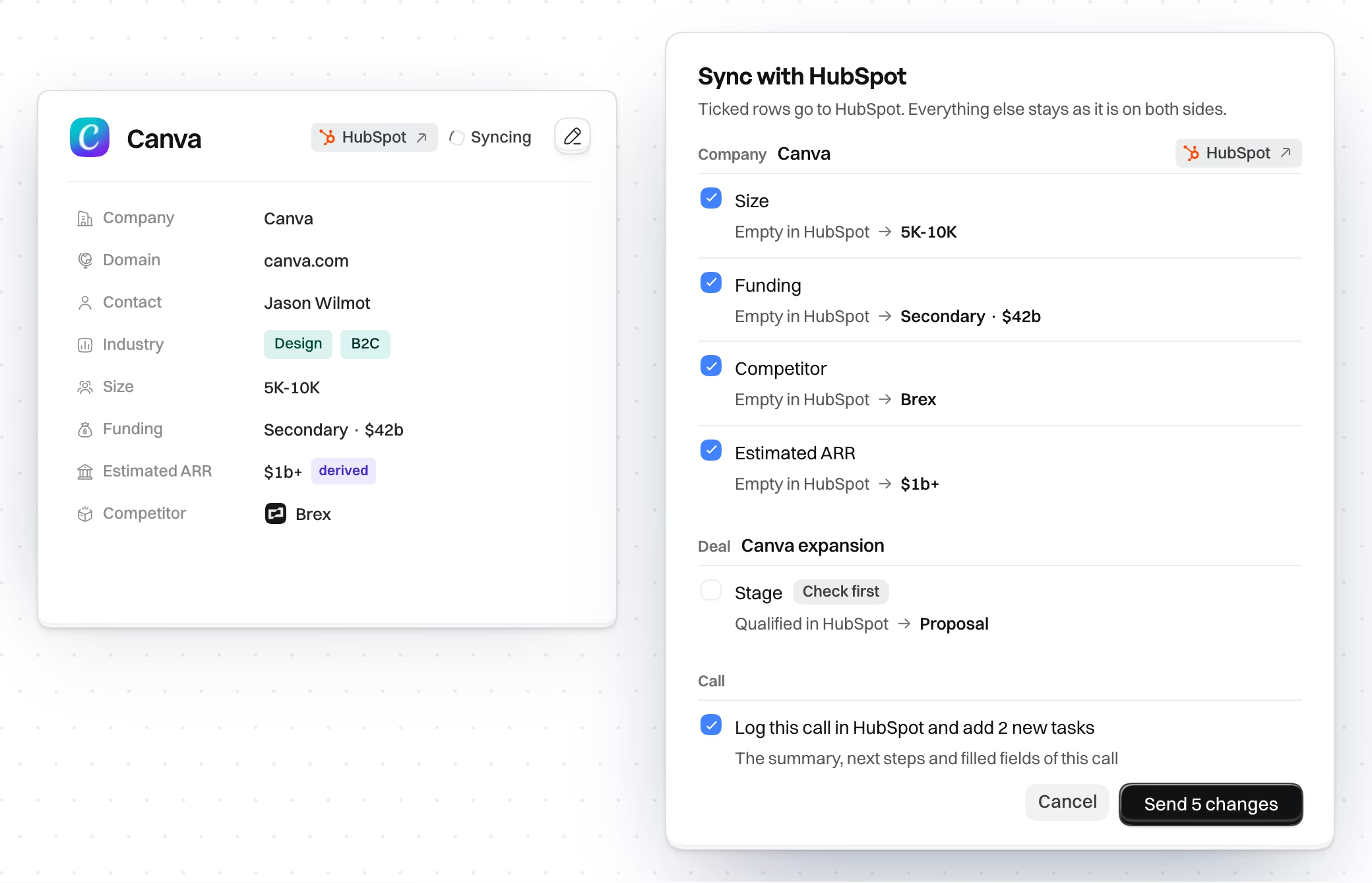
We built it around one rule, and it’s a strict one: nothing lands in HubSpot unless you said so. A value that changed in HubSpot after you looked never gets overwritten, and stage, amount, close date and owner always ask first, even if you switch on automatic sending. That part isn’t up for debate.
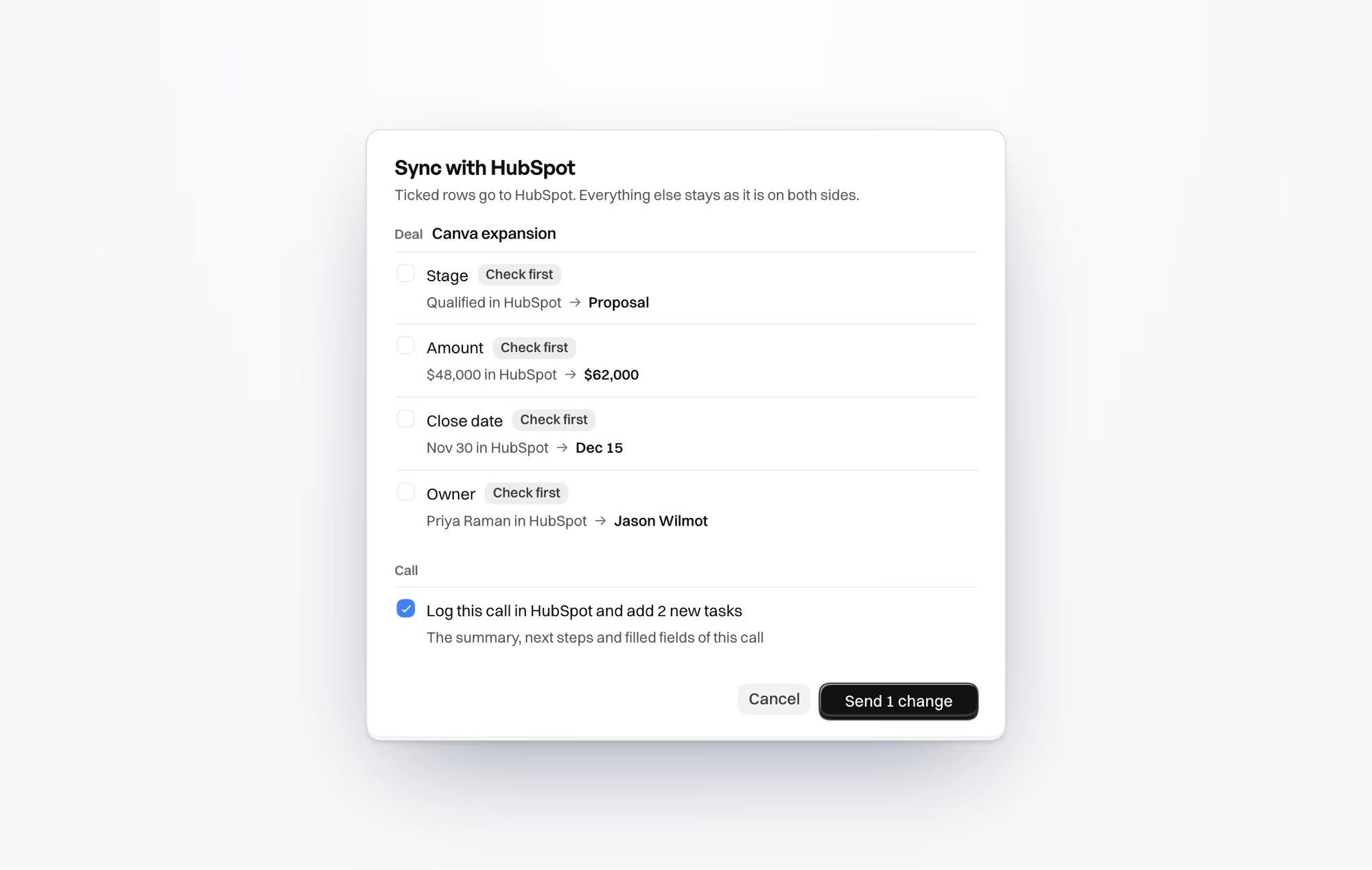
The call goes in too. It shows up as a meeting or a note, and the next steps you owe can become tasks. Sync again later and Axelize updates the same call. No copies. No mess.
What it can’t do
Now the part nobody likes. It doesn’t sync in the background, so every read and every write starts with you pressing a button. It never deletes or merges anything. It’s on Pro and Scale, which means Solo and the trial don’t have it. And we aren’t in the HubSpot App Marketplace yet, so you connect it yourself from Settings, then Integrations.
Salesforce is on the roadmap. No date yet.
If you want the full list, the HubSpot page shows what works and what doesn’t, row by row.